
How to Find Businesses With Bad Websites (and Check Each in 60 Seconds)
Key takeaways
- "Bad" should mean a website that costs the business customers, not one you would design differently. Slow, insecure, unreadable on a phone or missing a way to contact them all qualify.
- A lead tool can shortlist businesses whose site is worth checking, using filters such as rating, ad pixels and social presence. It cannot judge the site itself, so the last step is a quick manual check.
- A sixty-second checklist per site is enough to decide whether to reach out.
- Lead with what the site costs them, in plain words. Never criticise their taste.
For agencies that redesign and rebuild websites, the best prospects are businesses that already have a site and a reason to want a better one. They have a budget for a web presence, they have customers to lose, and the problem is easy to demonstrate.
The catch is that a list of businesses with websites tells you nothing about the quality of those websites. This guide shows how to narrow the list, how to check a site in a minute, and how to raise the issue with the owner without giving offence.
What counts as a bad website
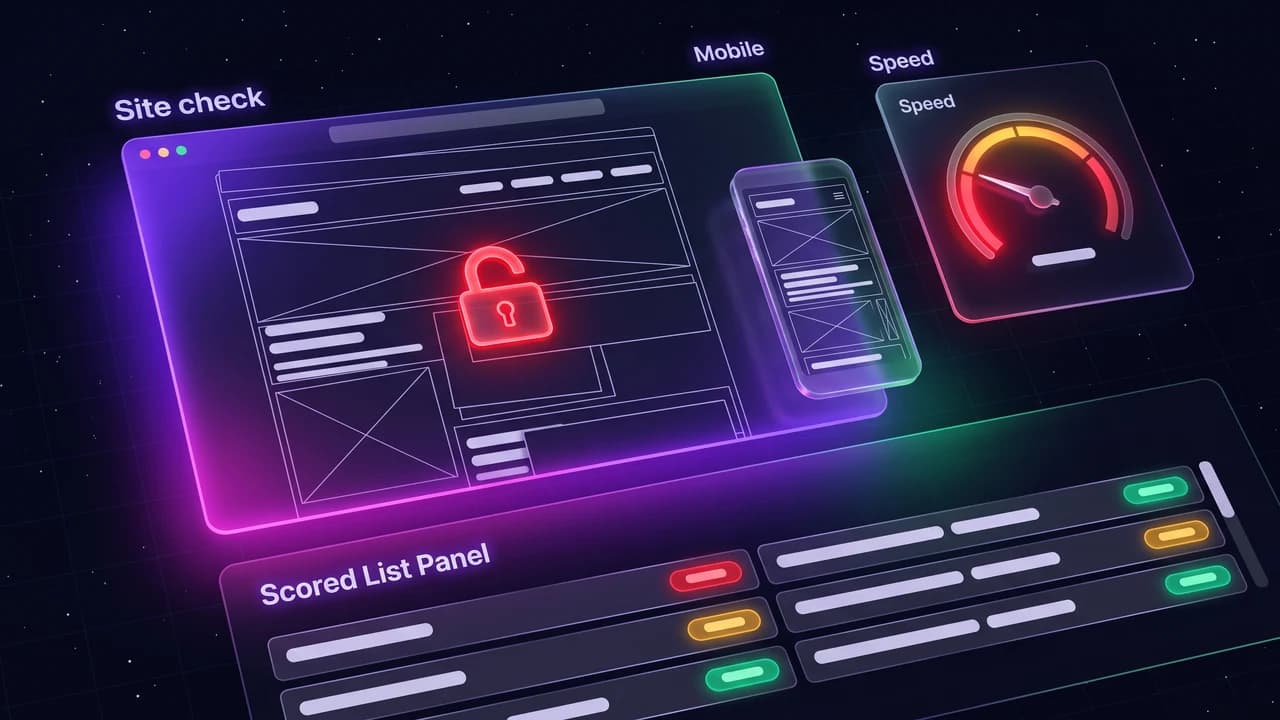
Your opinion of the design is not the test. The test is whether the site loses the business customers or makes it hard to trust. These are the problems worth raising:
- It shows a Not secure warning in the browser.
- It is hard to use on a phone: tiny text, menus that overlap, buttons that cannot be tapped.
- It is very slow to load.
- It has no clear way to contact the business or take a booking.
- It shows outdated details: old prices, a copyright year years ago, a closed location.
- It has broken pages or links.
Step 1: shortlist with a lead list
Build a list for one trade and city, then use filters to decide whose sites to check first. In LeadOutreach:
- Set the Website filter to Has website.
- Set a minimum rating. Businesses with real customers have the most to lose from a poor site.
- Set the Ads/Tracking filter to No pixel detected to see sites where no advertising or analytics tags were found. That is a hint of a neglected site, not proof.
- Optionally set Any social to Has a social profile to find businesses that are active online but whose site is behind.
- Export the shortlist.
Treat the filters as a way to decide where to spend your checking time. LeadOutreach shows whether a site exists and what tracking tags it found. It does not measure speed, security or mobile layout.
Step 2: the sixty-second check
| Check | How to do it | What it tells you |
|---|---|---|
| Security | Open the site and look at the address bar for a padlock or a Not secure warning | A warning erodes trust, and is a strong, simple opener |
| Phone layout | Open the site on your phone, or use the device toolbar in your browser's developer tools | Whether most visitors, who are on phones, can read and tap |
| Speed | Run the page through Google's free PageSpeed Insights | A slow site loses visitors before they see anything |
| Contact and action | Find the phone number, address, booking or contact form in under ten seconds | If you cannot find it, customers will not |
| Freshness | Check the footer year, the latest news or post date, and opening hours | Signals whether anyone maintains it |
| Broken bits | Click the menu and two or three pages | Dead links and missing pages |
| Match with Google listing | Compare phone, address and hours with the Maps listing | Mismatches confuse customers and search engines |
PageSpeed Insights is a free tool from Google. Treat any single score as a hint, not a verdict.
Note the two most serious findings for each site. That is all you need for the message.
Step 3: pick the ones worth contacting
- Serious problem plus real customers. Many reviews and a poor site: the loss is visible.
- Active social profile, neglected site. They care about being online and the site has been left behind.
- Clear, single issue. A Not secure warning or a broken booking form is easy to explain and fix.
Skip businesses whose site looks dated but works, unless you have another reason. Old is not the same as broken, and an owner who is happy with their site will not thank you for a redesign pitch.
Step 4: raise it without giving offence
Example
Hi {Name}, I was looking at {trade} in {City} and checked {Business}'s website. Two things I noticed: the browser shows a Not secure warning on the contact page, and on my phone the booking button is hard to tap. Both are quick to fix and they may cost you enquiries. If it would help, I can send a short note showing exactly what I saw.
- Say what you saw and why it matters to them. Avoid words like "terrible" or "ugly".
- Keep it checkable. They should be able to see it in a minute.
- Offer the finding, not a redesign. Let the conversation lead to the bigger project.
Follow the rules for the country you are contacting: your contact details on every message and an easy way to opt out. The full structures are in cold email templates for local businesses. This is general information, not legal advice.
Step 5: shape the offer
- Quick fixes first, such as security, a mobile layout issue or a booking link. It builds trust and proves your skill.
- A short audit with the top findings and the fix for each.
- A rebuild when the problems run deeper, with a fixed scope and price.
Businesses with no website at all are a different segment with a different pitch, covered in how to find businesses without a website. For the wider set of ways to find clients, see how to get web design clients.
Start Finding Verified Leads Today
Extract verified emails, phone numbers, and social links from Google Maps. Start with a 7-day Starter trial (1,000 leads included) and keep 100 free leads every month forever after. No credit card required.
Instant setup · No credit card required · 100 free leads/mo forever after
Related articles
How to Find Businesses Without a Website (and Turn Them Into Web Design Clients)
Google Maps shows which local businesses have no website. Here is how to build the list, check it and write a first message that gets read.
How to Get Web Design Clients: 9 Practical Ways for Freelancers and Small Studios
Which channel to start with, how to reach local businesses with a specific message, and a simple weekly routine.
12 Cold Email Templates for Local Businesses (Copy, Paste & Personalise, 2026)
Local business owners ignore generic pitches. These twelve templates each open with a specific, verifiable observation about the prospect's own business.
Frequently asked questions
Build a list of local businesses that have a website, shortlist the ones with real customers, then check each site for a security warning, poor phone layout, slow loading, missing contact details and outdated information. The check takes about a minute per site.
Not on its own. A tool can show whether a business has a website and which tracking tags it uses, which helps you decide where to look. Speed, security and phone layout still need a manual check.
One or two specific, checkable issues, stated plainly, with an offer to send details. Avoid criticising the design, and offer the finding before you pitch a redesign.
Contacting a business about a relevant service is normal, but rules on email and calls vary by country. Include your details, honour opt-outs and check the rules for every country you contact. This is general information, not legal advice.
Be careful. Unrequested redesigns of a live site can feel intrusive and may involve their content and images without permission. It is usually better to share findings and a short plan, and let them decide.