
How to Find an Email Address From Any Website: 8 Methods
Key takeaways
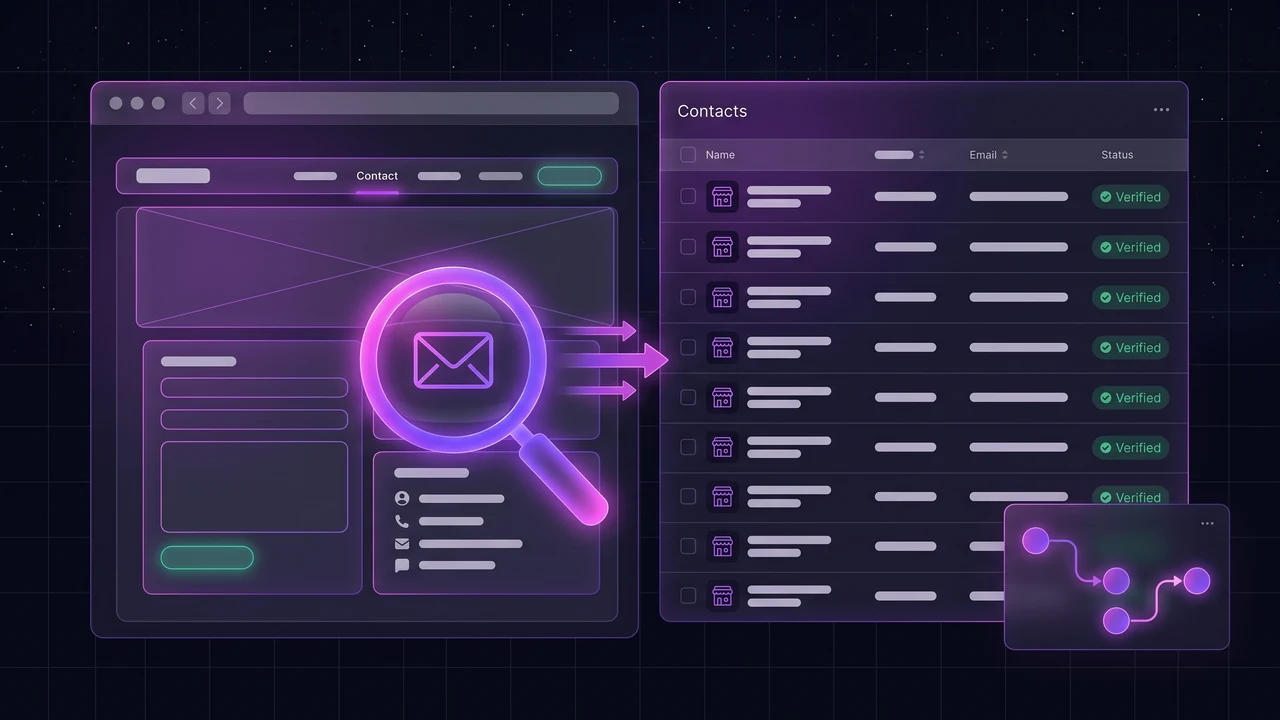
- Most business websites publish an email address somewhere: the contact page, the footer, the About page, a privacy policy, or a mailto link in the page code.
- The fastest manual method is a targeted Google search on the site itself. The fastest at scale is a tool that reads many sites and collects the addresses for you.
- An address you found is not an address that works. Check it before you send.
- Role addresses such as info@ reach the business. Personal addresses reach a person, and are covered by stricter rules in some countries.
You have a website and you need a way to contact the business behind it. Maybe you are checking a partner, following up a lead, or building a prospect list. The address is usually there, just not always where you expect.
This guide walks through eight ways to find an email address from a website, from a thirty-second manual check to methods that work across hundreds of sites, and ends with how to check the address before you rely on it.
Method 1: look where sites usually put it
Start with the obvious places, in this order:
- The Contact page, and any "Get a quote" or "Book" page.
- The footer of the homepage, which often carries an address, phone number and email.
- The About or Team page, especially for small businesses where the owner is named.
- The privacy policy and terms pages, which by law or habit often list a contact email for data requests.
- The imprint or legal notice page, common on European sites and required by law in some countries.
Method 2: search the site with Google
If the address is not on the pages you checked, ask Google to find it. Replace example.com with the domain:
site:example.com "@example.com"
site:example.com contact email
site:example.com "mailto:"
This surfaces addresses on pages that are not linked from the menu, such as old blog posts, PDF brochures and press pages.
Method 3: view the page source
Some sites hide the address behind a contact button or a script. Right-click the page, choose View page source, and search for mailto: or the @ symbol. Addresses that are assembled by scripts to fight spam will not appear this way, but plain mailto links will.
Method 5: look up the domain owner
A domain registration record can list the owner's contact details. Since privacy rules changed how registrars publish this data, many records now show a proxy or nothing at all. It is worth a look if the other methods fail, but do not expect it to work for most domains.
Method 6: work out the pattern and check it
If you know a person's name and the company's domain, you can guess the format: first@, first.last@, firstl@. Find one confirmed address at that company, for example on a press page, and see which format it follows. Then check the guess before sending. A wrong guess bounces, and repeated bounces damage your sending reputation.
Method 7: use a tool that reads many sites
Doing this by hand works for a handful of sites. For a list of a few hundred businesses it does not. Tools built for this read each site, collect the addresses they find, and check them.
LeadOutreach does this for local businesses. A search returns businesses from Google Maps with their website, then the enrichment step reads each website for emails and social links and runs basic email checks (format, mail server and known-bad-domain checks). The email extractor page explains the process, and how to find business email addresses from Google Maps walks through it step by step.
Method 8: pick up the phone or use the form
If no public address exists, that can be a deliberate choice. A contact form or a phone call is the channel the business wants you to use. Respect that. A short, specific message through the form is often read by the person who would have received the email.
Check the address before you use it
Finding an address is half the job. Before you send to it:
- Check the format: it must have one @ and a valid domain.
- Check that the domain has a mail server (an MX record). A domain with none cannot receive email.
- Note whether it is a role address (info@, sales@, contact@) or a personal one. Role addresses are usually monitored, but many people share them.
- Do not rely on a single check. No method tells you an inbox will accept your message until you send it.
The steps and their limits are covered in how to verify a list of email addresses for free. And whichever address you use, follow the rules for contacting businesses in your country. See Is scraping Google Maps legal? for the overview.
Start Finding Verified Leads Today
Extract verified emails, phone numbers, and social links from Google Maps. Start with a 7-day Starter trial (1,000 leads included) and keep 100 free leads every month forever after. No credit card required.
Instant setup · No credit card required · 100 free leads/mo forever after
Related articles
How to Verify a List of Email Addresses for Free (Before You Send)
What verification catches, a free script you can run today and the small test send that catches the rest.
How to Find Email Addresses for Google Maps Businesses (5 Methods, 2026)
The listing shows a phone number and a website, never an email. Here is how to get from a Google Maps pin to a verified inbox, manually or at scale.
What Data Can You Extract From Google Maps? Every Field Explained
From name and phone to place ID and status: what a listing holds, what it does not and how to clean it.
Frequently asked questions
Check the contact page, footer, About page and privacy policy first. Then search Google with site:yourdomain.com and the @ sign, view the page source for mailto links, and look at the business's social profiles.
Finding a publicly listed business address is generally not the issue. What you do with it is. Rules on unsolicited email differ by country and sometimes depend on whether the address belongs to a person or a business. Read the rules for the countries you contact, honour opt-outs, and take advice for your situation.
Use the contact form, a listed phone number or the business's social pages. Some businesses avoid publishing an address on purpose, and a form or call is the channel they prefer.
Yes, with a tool that reads each site and collects the addresses. LeadOutreach does this for the businesses in a Google Maps search, then runs basic checks on each address.
Check the format and confirm the domain has a mail server. Neither proves that the inbox exists, and only sending shows whether a message is accepted. Remove addresses that bounce immediately.