
Google Maps Scraper Chrome Extensions: What to Check Before You Install
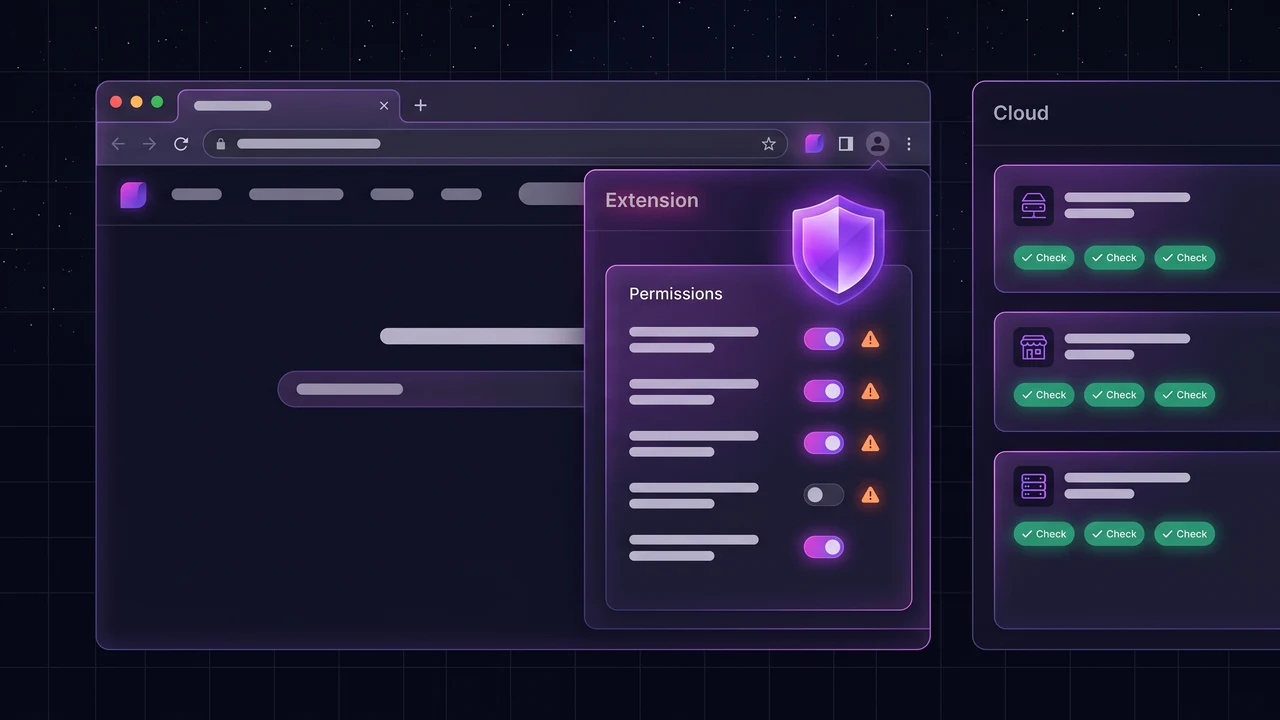
Key takeaways
- A Google Maps scraper extension runs inside your browser, with the permissions you approve at install. That makes the permissions and the publisher the first things to check.
- Broad access to "all websites" is a reason to ask questions, not automatically a reason to say no. Ask what the extension needs it for.
- Extensions depend on your browser being open and on Google's page layout, so they break more often than server-side tools.
- Test any extension in a separate browser profile on one small search before you use it on real work.
Extensions are the quickest way to try Google Maps scraping. Install one, open Maps, run a search and export what appears. That convenience is exactly why they deserve a careful look, because an extension can read what you do in the browser it lives in.
This guide explains how these extensions work, what their permissions mean, a checklist to run before you install one, and when a web tool or the official API is the better choice.
How a Google Maps scraper extension works
Most of them inject a script into the Google Maps page. The script scrolls the results list, reads each listing, and collects fields such as name, address, phone number, website and rating. Some then visit each business website to look for email addresses. The results are shown in a side panel or a popup, and you export them to a file.
The extension may do the work only in your browser, or it may send the data to the publisher's servers for processing. Which one happens changes how private your searches and results are.
What the permissions mean
| Permission shown | What it allows | What to ask |
|---|---|---|
| Read and change your data on specific sites (for example google.com) | The extension can read and change pages on those sites only | This is the narrow, expected case for a Maps scraper |
| Read and change all your data on all websites | The extension can read and change every page you visit | Why does it need that? Finding emails on business websites is one plausible reason. Is it stated in the description and the privacy policy? |
| Access to tabs | It can see which tabs are open and open new ones | Usually used to visit result pages. Check it is not more than needed |
| Storage | It can save settings and results in the browser | Normal for an extension that keeps a results list |
| Downloads | It can save files to your computer | Expected if it exports CSV |
You can see and revoke an extension's permissions at any time on the browser's extensions page.
Checklist before you install
- Who publishes it? A named company with a website and contact details is better than an anonymous listing.
- Is it in the official store? The Chrome Web Store reviews listings against its published policies. That is not a guarantee, but it is a baseline.
- Read the permissions. Do they match what the extension says it does?
- Read the privacy policy. Does it say where your data goes, how long it is kept and whether it is shared?
- Look at reviews and update history. Recent updates suggest someone is maintaining it. Reviews that all sound alike are a warning.
- Check the limits and price. A free extension with a hidden cap, or a paywall after ten results, wastes your time.
- Look at what you can export. Do you get the fields you need in a file you can open?
- Search for the name plus "problems" or "removed". Extensions have been pulled from stores before.
Risks to weigh honestly
- Privacy. Your searches, and sometimes what you browse, can reach a third party.
- Changes after install. Extensions update automatically, and an extension can change owner or behaviour with an update.
- Reliability. When Google changes its page, scripts that read the page can stop working without notice.
- Google's terms. Automated collection from Google Maps can breach Google's terms of service. See Is scraping Google Maps legal? for the details.
- Your browser must stay open. A run stops when the tab closes, and a long run ties up your machine.
Extension, web tool or API?
| Browser extension | Web tool that runs on servers | Official Places API | |
|---|---|---|---|
| Setup | Install in browser | Sign up | Cloud project, billing, code |
| Browser must stay open | Yes | No | No |
| Access to your browsing | Permissions you grant | None | None |
| Emails | Sometimes | Often included | Not returned |
| Breaks when Google changes its page | Often | Handled by the vendor | No, it is a stable API |
| Best for | Small, one-off batches | Regular prospecting | Developers who want official data |
The trade-offs are covered further in Google Places API vs a Google Maps scraper and the free Google Maps scraper guide.
A safe way to test
- Create a separate browser profile with no signed-in accounts, and install the extension only there.
- Open the extensions page and read the permissions it actually holds.
- Run one small search that you can check by hand, for example one trade in your own town.
- Compare the first ten results and five emails with what you find by hand.
- Export the file and open it. Only then decide whether to use it on real work.
A note on LeadOutreach
You do not need an extension to use LeadOutreach. Searches can run on its servers, so nothing has to stay open in your browser. LeadOutreach also has an optional browser extension that runs searches in your own Chrome. It is installed manually at the moment and is not yet listed in the Chrome Web Store, so apply the same checklist to it as to any other extension.
Sources and further reading
Start Finding Verified Leads Today
Extract verified emails, phone numbers, and social links from Google Maps. Start with a 7-day Starter trial (1,000 leads included) and keep 100 free leads every month forever after. No credit card required.
Instant setup · No credit card required · 100 free leads/mo forever after
Related articles
Free Google Maps Scraper: What "Free" Really Gets You in 2026
Five kinds of free, what Google's own API gives away, and a five-minute test to run before you commit to any tool.
Google Places API vs a Google Maps Scraper: Cost, Limits & Which to Use (2026)
The Places API is the official route to Google Maps data, but it caps results, returns no emails and restricts how you store them. Here is the honest comparison.
Is Scraping Google Maps Legal? GDPR, CAN-SPAM & CCPA Rules for Lead Generation (2026)
Collecting public business data from Google Maps is generally legal, but cold email has rules. Here is what hiQ v. LinkedIn, GDPR, CAN-SPAM and CCPA actually require.
Frequently asked questions
It depends on the publisher and the permissions. Check who publishes it, read the permissions and privacy policy, look at reviews and update history, and test it in a separate browser profile first. Any extension can read what its permissions allow.
Collecting publicly listed business details is treated differently from personal data, but automated collection from Google's pages can breach Google's terms of service, and how you contact people is regulated. Read the legal guide and take advice for your situation.
Google listings do not include emails. Some extensions find them by visiting each business's website, and others do not. Check whether emails are included and whether they are checked.
Extensions read the structure of Google's page, and that structure changes. When it does, the extension needs an update from its publisher, and it may not work until then.
No. You can use a web tool that runs on servers, the official Places API if you can code, or a manual method for a handful of listings.