
How to Find Newly Opened Businesses in Your Area (Lead Gen Playbook)
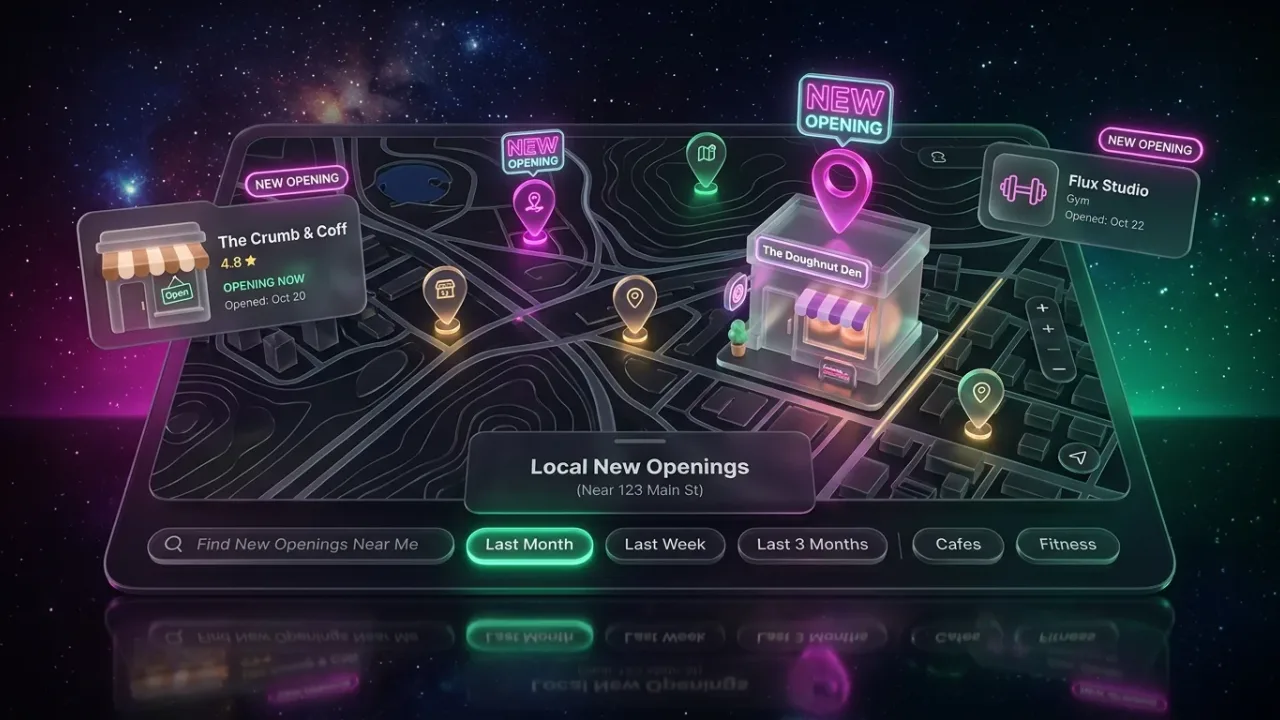
Key takeaways
- New businesses buy more services in their first year than at any other time, and they have not yet chosen their suppliers.
- Google Maps listings with few or no reviews, company registers and local licensing records are the three most reliable places to spot them.
- Registers list people as well as companies, so treat what you collect as personal data and use it respectfully.
- A monthly routine of search, export, dedupe and contact beats a one-off list every time.
A business that opened last month needs a website, signage, an accountant, insurance, a card machine, a cleaner and someone to run its social media. It has not chosen most of those suppliers yet, and the owner is still reading every message that comes in. That is why agencies, freelancers and local suppliers all want the same thing: a way to find new businesses in their area before everyone else does.
There is no single feed of new businesses, only several public sources that each catch part of the picture. This guide walks through each one, how to search it, and how to merge the results into one clean list you work every month.
Why new businesses are worth the effort
An established business already has a web designer, an accountant and a printer, and to win it you have to displace someone. A new business has none of those, and the first supplier who turns up with a clear offer often gets the work, because the owner has a hundred other things to sort out.
New businesses also have visible gaps. A Google listing with no website, no photos and no opening hours is not a sign of a failing business, it is a sign of one that has not got round to it. Those gaps are the opening for your first message. If you sell to local businesses of any kind, the broader method is in how to find B2B clients among local businesses; this post is about the narrower job of catching them early.
Source 1: Google Maps
Google Maps is the fastest signal because most new businesses claim a Google Business Profile within weeks of opening. Search a trade and a town, then look for these signs:
- Zero or very few reviews. A listing with two reviews in a category where competitors have two hundred is usually new, or newly listed.
- A recently opened label. Google sometimes marks new listings as recently opened. It does not appear on every new listing, so treat it as a bonus, not a filter.
- Missing basics. No website, no opening hours, no photos beyond a street view. Established businesses usually fill these in over time.
Doing this by hand works for one trade in one town. To cover a whole area, use a tool that pulls the listings into a table. LeadOutreach searches Google Maps by keyword and location and returns the name, address, phone, website, rating, review count, category and opening hours for each business. Sort by review count ascending and filter for No website, and the newest businesses float to the top. The free plan gives you 100 leads a month with no credit card, which is enough to test one search; see the pricing page for current limits.
Low review count is a proxy, not proof. Before you contact anyone, open the listing and the website and look for a founding date, a grand opening post or a first review date.
Source 2: company and business registers
Every country keeps a public register of companies, and most let you search it for free. Registers are slower than Google Maps for spotting an opening, but they catch businesses that have not built a listing yet, and they give you the registered name, address and incorporation date. Names differ by country:
| Country | Register | What you can search |
|---|---|---|
| United Kingdom | Companies House | Company name, company number or officer name; incorporation date and registered office on each record |
| United States | The Secretary of State business search for each state, plus county clerk records for trading names | Entity name, registration date, registered agent; trading name (DBA) filings are usually separate |
| Australia | ABN Lookup (the Australian Business Register) | ABN, ACN or name; whether the ABN is active, the entity type and GST status |
| Canada | Federal corporations register plus each province's business registry | Corporation name, status and date, with provincial registries covering sole proprietorships and partnerships |
| Elsewhere | Search for your country's company register | Most publish the name, registration date and registered address |
Fields and filters differ by register; some offer a filter by incorporation date, which is the most useful one for this job. Many registrations are holding companies or dormant entities, so cross-check every name against Google Maps.
Registers include people. A director's name, a sole trader's name and a home address used as a registered office are personal data. Use them to identify the business and its decision-maker, not to build a mailing list of individuals, and follow the privacy rules of the country you are working in. This is not legal advice; the general principles are in is Google Maps scraping legal.
Source 3: licences, permits and local records
Before a business can open its doors it usually needs permission from someone, and that permission is often public.
- Food hygiene and health inspections. New restaurants, cafes and food shops are inspected soon after opening, and many local authorities publish the results.
- Alcohol licences. Applications for new premises licences are advertised publicly in most places, often weeks before opening.
- Trade and professional licensing boards. Contractors, electricians, beauticians, childcare providers and many health professions are licensed, and the boards usually have a searchable register with an issue date.
- Planning and change-of-use applications. A change of use from retail to restaurant, or a sign application, tells you what is coming to an address months ahead.
- Commercial property listings. When a unit that was marked as available disappears from the listings, someone has taken it. Agents' boards on the street tell the same story.
Local news, chamber of commerce newsletters and neighbourhood groups round this out; a "now open" post often appears before the Google listing does.
Build a monthly routine
Checking these sources once gives you a list. Checking them every month gives you a pipeline. Here is a routine that takes an afternoon:
- Week 1: search. Re-run your saved Google Maps searches for each trade you serve, and export the results to CSV. Note the review count and whether a website exists.
- Week 1: register check. Search the company register for the past month's registrations in your industry codes or postcode area. Add the names to the same sheet.
- Week 2: cross-check. For each name, confirm it is a real trading business with a listing, a website or a social page. Drop holding companies and businesses you already contacted.
- Week 2: dedupe. Match on phone number first, then website domain, then name plus address. Keep one row per business and merge the details.
- Weeks 3 and 4: contact. Work the list with a message that mentions something specific about the business, and record every reply.
Saved searches make step one quick: on LeadOutreach the free plan includes one, Starter three and Pro ten, so you can keep one per trade and re-run it monthly (see the pricing page for current limits). Last month's export next to this month's shows which businesses are new, which is the closest thing to a new-business feed that exists.
Export and dedupe without losing anything
Duplicates are the main cause of embarrassing double contacts. The same business appears under slightly different names in Google Maps, the register and a licensing list, so match on the most stable field you have.
| Match on | Reliability | Watch out for |
|---|---|---|
| Phone number | High | Call tracking numbers that differ by source; shared numbers for chains |
| Website domain | High | Businesses with no website; franchise sites shared by many locations |
| Name plus postcode | Medium | Ltd versus Limited, punctuation, trading names that differ from the registered name |
| Address only | Low | Serviced offices and shared buildings host many businesses |
Keep one sheet, one row per business, with columns for source, date first seen, date contacted and outcome. On the Pro and Agency plans LeadOutreach exports straight to a CRM or webhook, so the dedupe happens where you work.
What to say to a business that just opened
New owners get a lot of pitches in their first month, and most sound the same. Yours should show that you looked. A quick pass through the Google Business Profile audit checklist gives you three specific things to mention: a missing website, missing hours, or a category that will hide them from searches.
Lead with congratulations, name the one gap you noticed, and offer one small, clearly priced thing you can do about it. Do not send a price list or a mock-up. New owners are cautious with money and short of time, so ask if it is a good time and, if not, ask when.
Your first-month checklist
- Pick two or three trades you serve and the towns you can reach.
- Save a Google Maps search for each and export the results, sorted by review count.
- Find your country's company register and learn how to filter it by date and industry.
- Bookmark your local licensing, planning and food hygiene pages.
- Block a half day each month to search, cross-check, dedupe and contact.
- Write down what got replies, and drop the sources that never produce a real business.
Sources and further reading
Start Finding Verified Leads Today
Extract verified emails, phone numbers, and social links from Google Maps. Start with a 7-day Starter trial (1,000 leads included) and keep 100 free leads every month forever after. No credit card required.
Instant setup · No credit card required · 100 free leads/mo forever after
Related articles
How to Find B2B Clients When Your Customers Are Local Businesses
One method for any service, from cleaning to IT support, with links to trade-specific guides.
Google Business Profile Audit Checklist (and How to Turn It Into Outreach)
What to check on a local listing, what each finding means and how to use it to start a conversation.
How to Find Businesses Without a Website (and Turn Them Into Web Design Clients)
Google Maps shows which local businesses have no website. Here is how to build the list, check it and write a first message that gets read.
Frequently asked questions
Search Google Maps for a trade in your town and look for listings with few or no reviews, no website and missing hours. Then check your country's company register for recent registrations and your local council's licensing and planning pages. Cross-check each name before contacting anyone, because a low review count does not always mean a new business.
Not a single one, but the parts are free. Company registers, licensing boards and Google Maps are all public and searchable. Merging them monthly into one deduplicated sheet gives you the list that no one sells.
Registers are public, but directors' and sole traders' names and addresses are still personal data in most countries. Use them to identify the business and its decision-maker, contact the business through its published channels, and respect opt-outs. This is not legal advice, so check the rules where you operate.
Monthly is enough for most local suppliers. Re-run the same saved searches, compare the export with last month's, and treat anything new as a fresh prospect. Weekly checks make sense only if you serve a large city or several trades.
Something small, clear and priced, that fixes a gap you can point to on their listing or website. New owners are short of time and cautious with money, so a single starter package with a fixed scope is easier to say yes to than a custom proposal.