
Google Places API: Nearby Search vs Text Search (New) Compared (2026)
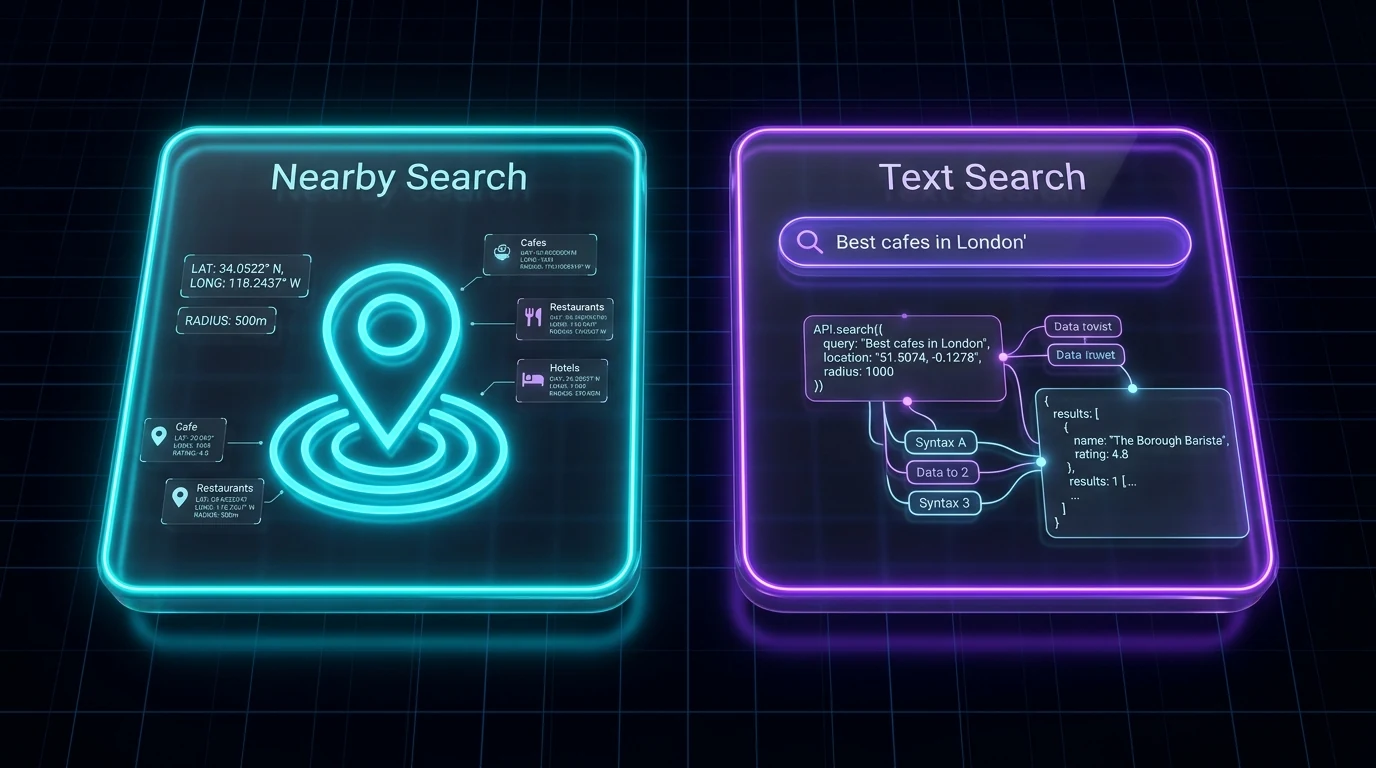
Key takeaways
- Text Search takes a free-text query such as
plumber in Leedsand can page up to 60 results. Nearby Search takes a point, a radius and place types, and returns at most 20 results with no pagination. - Both require a field mask, and both are billed by the most expensive field in it. Phone, website and rating are Enterprise fields on either endpoint.
- For "one trade in one city" lead lists, Text Search is the simpler choice. Nearby Search suits a grid of small circles over a dense area.
- Neither endpoint returns email addresses, and both are capped per request, so plan for many queries and deduplicate by place ID.
Places API (New) gives you two ways to find businesses: Text Search, which answers a query written the way a person would type it, and Nearby Search, which sweeps a circle on the map for places of given types. They return the same kind of Place object and share the same pricing tiers, but they take different inputs and have different result limits, and that changes how you use them to build a lead list.
This guide sets the two endpoints side by side using what Google's documentation says about each, shows a minimal request for both, and explains which one to reach for depending on the list you want. Prices and limits are quoted from Google's pages, linked at the end.
What each endpoint takes
| Text Search (New) | Nearby Search (New) | |
|---|---|---|
| Endpoint | POST https://places.googleapis.com/v1/places:searchText | POST https://places.googleapis.com/v1/places:searchNearby |
| Required input | textQuery, a string such as restaurant or plumber in Leeds | locationRestriction with a circle: centre latitude/longitude and a radius in metres |
| Radius | Optional locationBias circle (radius 0 to 50,000 m) or rectangle; locationRestriction is a rectangle only | Required; must be between 0.0 and 50,000.0 metres inclusive |
| Type filtering | includedType: one type from Google's type table | includedTypes, excludedTypes, includedPrimaryTypes, excludedPrimaryTypes: up to 50 types per category |
| Ranking | rankPreference: RELEVANCE or DISTANCE | rankPreference: POPULARITY (default) or DISTANCE |
| Other filters | minRating, openNow, priceLevels, strictTypeFiltering | includeFutureOpeningBusinesses |
| Field mask | Required; omitting it returns an error | Required; omitting it returns an error |
The practical difference: Text Search understands "emergency plumber near Leeds station" and lets Google interpret it. Nearby Search does not take a text query at all; you tell it exactly where to look and which place types to include, and it returns what is inside the circle.
Result limits and pagination
This is the difference that shapes lead-list work.
- Text Search returns 20 results per page by default (
pageSizeaccepts 1 to 20). You fetch further pages by passing thenextPageTokenfrom one response aspageTokenin the next. Google's page states that Text Search (New) returns a maximum of 60 results across all pages, and that this limit is subject to change. - Nearby Search returns at most 20 results per request.
maxResultCountmust be between 1 and 20, and 20 is the default. The Nearby Search page describes no pagination and no page token, so 20 is the ceiling for one circle.
Either way, one request never gives you a whole city. Text Search covers a trade in a town in up to three pages; Nearby Search covers one small circle in one request. Getting past those ceilings means running more queries and removing duplicates, which is the same problem the Google Maps interface has; see the Google Maps search results limit for why the numbers are what they are.
Fields and pricing tiers
Both endpoints use the same field-mask tiers, and both documentation pages list the fields under SKU headings. Google's usage-and-billing page states that a request is billed at the highest SKU any of its fields falls into. For a lead list the fields you care about split like this:
| Tier | Fields (same names on both endpoints) | Free per month and entry price (Google's price list) |
|---|---|---|
| Essentials (IDs only), Text Search | places.id, places.name, places.attributions, nextPageToken | Unlimited, no charge |
| Pro | places.displayName, places.formattedAddress, places.location, places.businessStatus, places.types, places.primaryType | 5,000 free, then $32 per 1,000 |
| Enterprise | places.nationalPhoneNumber, places.internationalPhoneNumber, places.websiteUri, places.rating, places.userRatingCount, places.regularOpeningHours | 1,000 free, then $35 per 1,000 |
| Enterprise + Atmosphere | places.reviews, places.editorialSummary, places.parkingOptions, places.outdoorSeating | 1,000 free, then $40 per 1,000 |
Google's price list showed the same free amounts and entry prices for the Nearby Search Pro, Enterprise and Enterprise + Atmosphere SKUs as for Text Search when checked. Prices change; confirm on Google's page.
One difference worth knowing: the Text Search page lists an IDs-only Essentials SKU, while the Nearby Search page lists three SKUs (Pro, Enterprise and Enterprise + Atmosphere) and puts places.id in the Pro list. If you want a free ID-only pass to deduplicate an area before requesting paid fields, Text Search is the endpoint that documents it. The full cost arithmetic is in Google Places API pricing for lead lists.
A minimal request for each
Text Search with curl
curl -X POST -d '{"textQuery": "plumber in Leeds", "pageSize": 20}' \
  -H 'Content-Type: application/json' \
  -H 'X-Goog-Api-Key: API_KEY' \
  -H 'X-Goog-FieldMask: places.id,places.displayName,places.formattedAddress,places.nationalPhoneNumber,places.websiteUri,nextPageToken' \
  'https://places.googleapis.com/v1/places:searchText'
To get the second page, send the same body plus "pageToken": "<nextPageToken from the response>". Because places.nationalPhoneNumber and places.websiteUri are Enterprise fields, every page of this query is an Enterprise request.
Nearby Search with curl
curl -X POST -d '{
  "includedTypes": ["plumber"],
  "maxResultCount": 20,
  "rankPreference": "DISTANCE",
  "locationRestriction": {
    "circle": {
      "center": {"latitude": 53.7997, "longitude": -1.5492},
      "radius": 1500.0
    }
  }
}' \
  -H 'Content-Type: application/json' \
  -H 'X-Goog-Api-Key: API_KEY' \
  -H 'X-Goog-FieldMask: places.id,places.displayName,places.formattedAddress,places.nationalPhoneNumber,places.websiteUri' \
  'https://places.googleapis.com/v1/places:searchNearby'
There is no page token to follow. If the circle holds more than 20 plumbers, you shrink the radius or move the centre and run it again.
The same two calls in Python
import requests

KEY = "API_KEY"
FIELDS = "places.id,places.displayName,places.formattedAddress,places.nationalPhoneNumber,places.websiteUri"

def text_search(query, page_token=None):
    body = {"textQuery": query, "pageSize": 20}
    if page_token:
        body["pageToken"] = page_token
    r = requests.post(
        "https://places.googleapis.com/v1/places:searchText",
        json=body,
        headers={"X-Goog-Api-Key": KEY, "X-Goog-FieldMask": FIELDS + ",nextPageToken"},
        timeout=30,
    )
    r.raise_for_status()
    return r.json()

def nearby_search(lat, lng, radius_m, types):
    body = {
        "includedTypes": types,
        "maxResultCount": 20,
        "locationRestriction": {"circle": {"center": {"latitude": lat, "longitude": lng}, "radius": radius_m}},
    }
    r = requests.post(
        "https://places.googleapis.com/v1/places:searchNearby",
        json=body,
        headers={"X-Goog-Api-Key": KEY, "X-Goog-FieldMask": FIELDS},
        timeout=30,
    )
    r.raise_for_status()
    return r.json()
A fuller script with paging, deduplication by places.id and CSV output is in Google Places API with Python for business leads.
Which one to use for lead lists
| You want | Use | Why |
|---|---|---|
| A trade across a town or small city | Text Search | One query, up to 60 results, Google handles the geography |
| Every business of a type in a dense area | Nearby Search on a grid | Small circles with rankPreference: DISTANCE sweep an area systematically; 20 per circle |
| Businesses matching a phrase, not a type | Text Search | textQuery accepts words the type table does not have |
| Strict control of the search area | Nearby Search | The circle is a hard boundary; Text Search's locationBias only biases |
| A free ID-only pass before paid fields | Text Search | The IDs-only Essentials SKU is documented for Text Search |
| Opening hours, rating, phone, website | Either | Same Enterprise fields on both endpoints |
A common pattern is to start with Text Search for each trade-and-town pair, note where a query hits the 60-result ceiling, and switch to a Nearby Search grid only in those dense spots. That keeps the request count down while still covering the centre of a big city.
What both endpoints leave you to do
- Emails. Neither endpoint returns an email address. You read each business website yourself, or use a tool that does.
- Deduplication. Overlapping queries and circles return the same places; key everything on
places.id. - Filters. "Has no website" is a check you write (
websiteUrimissing), and ad-pixel or social-presence checks need the website, not the API. - Storage rules. Google's policies restrict how long most Places content may be cached; read them before building a permanent database.
- Cost control. Set a daily quota on each search method and restrict the API key. Budget alerts warn; quotas stop.
If the goal is a contactable list rather than a data pipeline, a hosted tool does this joining work for you. LeadOutreach searches Google Maps by keyword and location, returns the listing fields, reads each website for emails and social links, runs basic email checks, and filters for No website, phone present, rating, social presence and ad-pixel presence, with CSV export on every plan; see the pricing page for current limits.
A quick decision routine
- Write the list you want as a sentence: "electricians in Sheffield" or "every cafe within 1 km of the station". Trade-plus-place means Text Search; type-plus-radius means Nearby Search.
- Choose the smallest field mask that gives you the columns you need, and check which tier it lands in.
- Run one request and count the results. If Text Search returns a
nextPageTokenon the third page, or Nearby Search returns exactly 20, the area is denser than one query covers. - Split: more towns or suburbs for Text Search, smaller circles for Nearby Search.
- Deduplicate by place ID, then enrich the survivors with whatever the API cannot give you.
Sources and further reading
Start Finding Verified Leads Today
Extract verified emails, phone numbers, and social links from Google Maps. Start with a 7-day Starter trial (1,000 leads included) and keep 100 free leads every month forever after. No credit card required.
Instant setup · No credit card required · 100 free leads/mo forever after
Related articles
Google Places API With Python: Pull Business Leads Step by Step (2026)
Set up the API, understand the request, run the full script and see where the approach stops being the best tool.
Google Places API Pricing: What a Lead List Really Costs (2026)
The published prices, the arithmetic for real lead lists and a fair comparison with a hosted tool.
Why One Google Maps Search Never Returns Every Business (and How to Cover a Whole City)
The documented 60-result limit, a five-step method to cover a city and a way to estimate how complete your list is.
Frequently asked questions
Text Search takes a free-text query such as plumber in Leeds, optionally biased or restricted to an area, and can return up to 60 results over three pages. Nearby Search takes a circle defined by a centre point and a radius of up to 50,000 metres plus place types, and returns at most 20 results with no pagination.
Google's Nearby Search (New) documentation describes no page token and sets maxResultCount to a maximum of 20, so one request returns at most 20 places. To cover more businesses you run additional requests with smaller or shifted circles and remove duplicates by place ID.
They use the same pricing tiers. Google's price list showed the same free monthly amounts and entry prices for the Pro, Enterprise and Enterprise + Atmosphere SKUs on both endpoints. What you pay depends on the fields in your field mask and the number of requests, not on which endpoint you call.
Text Search for the common case of one trade in one town, because it accepts natural queries and pages up to 60 results. Nearby Search when you need to sweep a dense area systematically with a grid of small circles, or when you need a hard boundary rather than a bias.
No. Neither endpoint returns email addresses at any pricing tier. The website field is available at the Enterprise tier, and finding an email means reading that website separately, by hand, with your own code, or with a tool built for it.